Get the most out of Autovella, one guide at a time.
Step-by-step guides for Autovella customers: set up your workspace, run CRM, projects, sprints and time tracking, bill clients, automate workflows, control access and connect Claude or the API.
- Getting Started
- CRM & Sales
- Projects & Tasks
- Time & Attendance
- Finance & Billing
- Automation
- Admin & Security
- Analytics
- Industry Guides
- AI & Integrations
- Developers
- Getting Started
- CRM & Sales
- Projects & Tasks
- Time & Attendance
- Finance & Billing
- Automation
- Admin & Security
- Analytics
- Industry Guides
- AI & Integrations
- Developers
Guides for every part of Autovella
Browse by topic, from setup and CRM to billing, automation and the API.
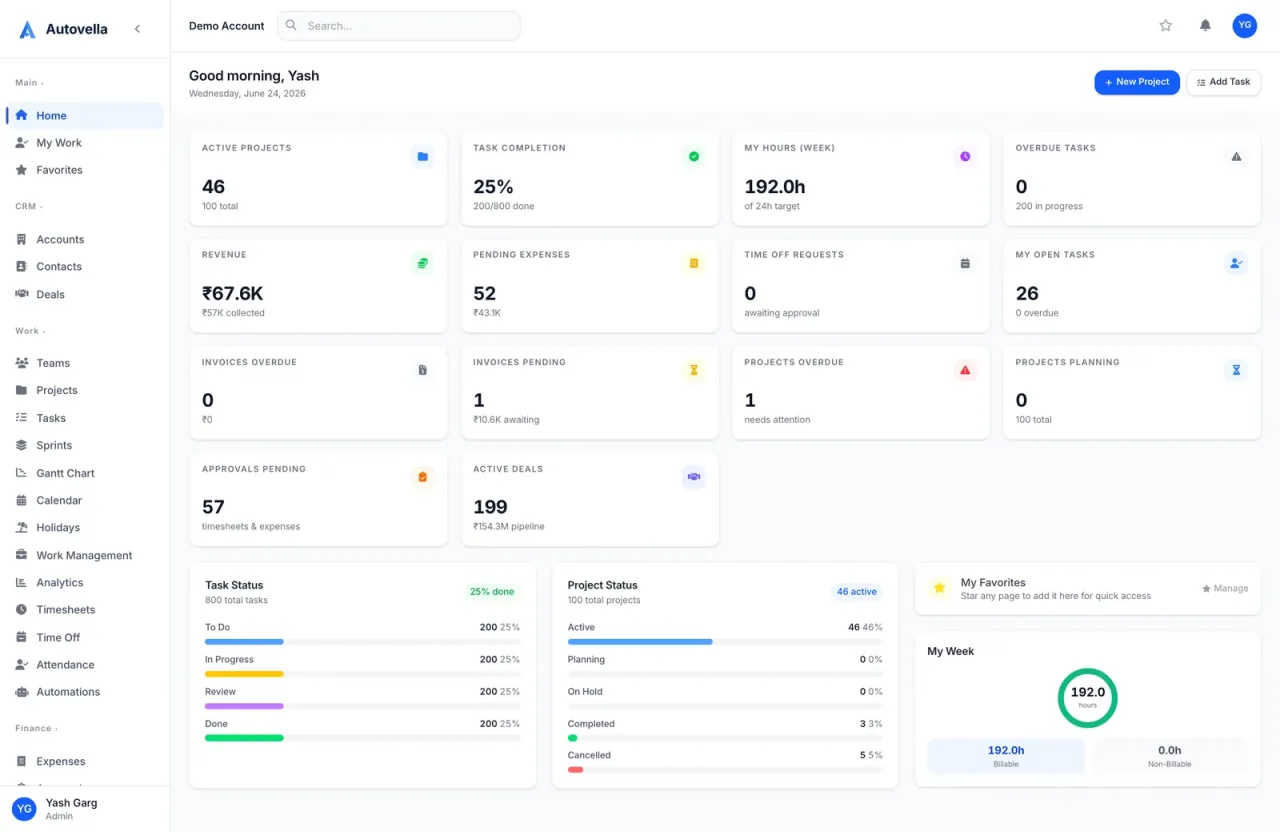 Getting Started
Get productive fast. A first-week checklist for each Autovella role: Admin, Manager, Employee, Finance, Contractor and Customer, with links to every guide.
Read the guide →Getting StartedSign up free, verify your email, set up your company in Settings, add users, import data and create your first project in Autovella. A step-by-step setup guide.
Read the guide →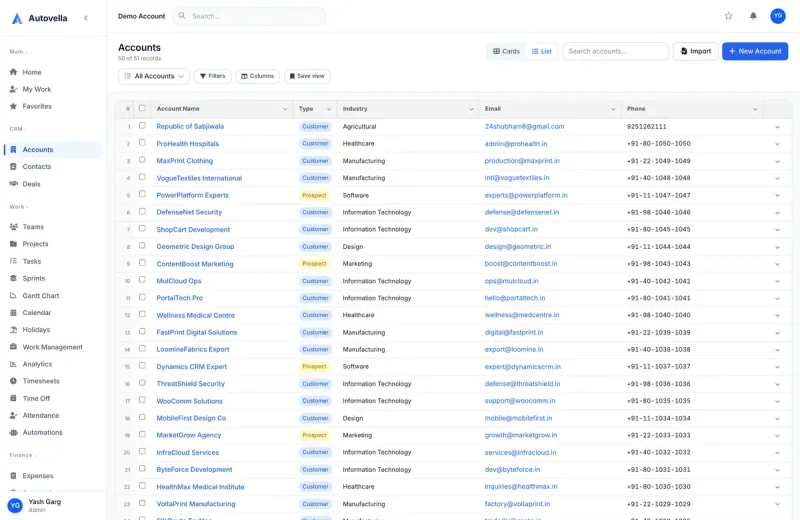 Getting Started
Import accounts, contacts, projects, tasks and users from a CSV file into Autovella. Learn the file format, column mapping, update vs add, preview and errors.
Read the guide →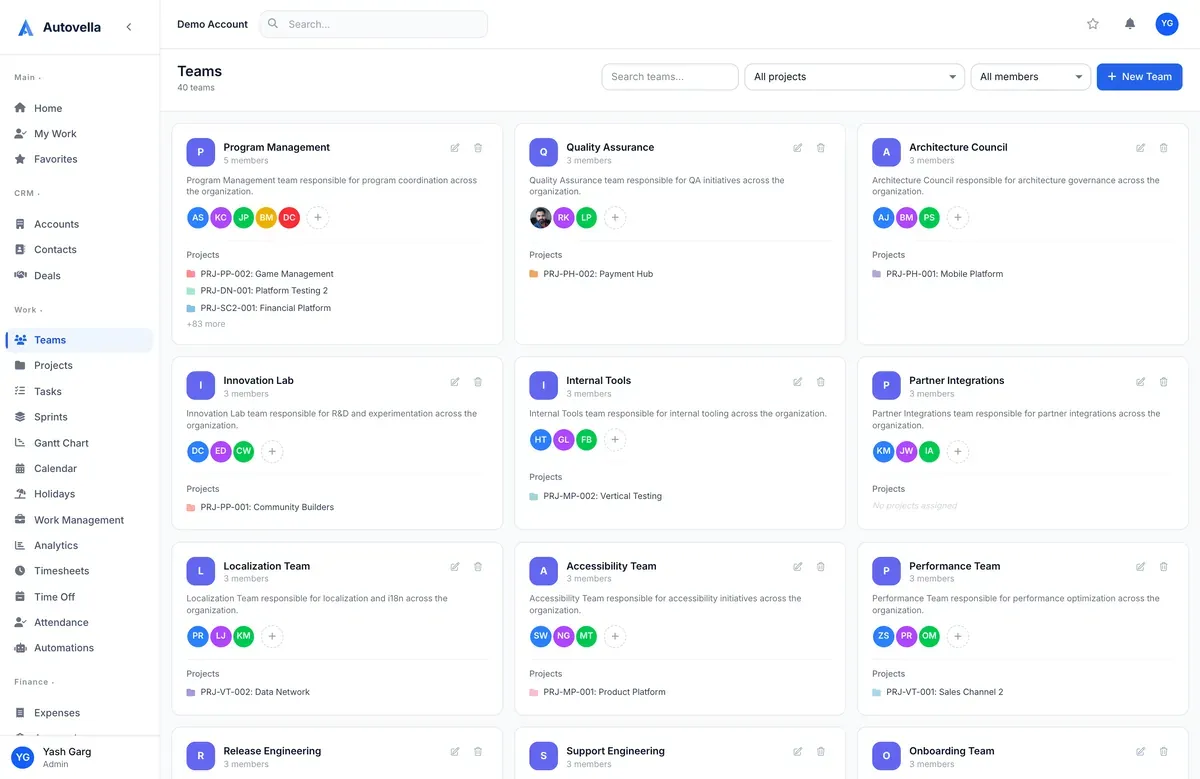 Admin & Security
Add, edit and deactivate Autovella users, assign roles, watch your user limit, and set company details, logo, currency, timezone and auto-logout in Settings.
Read the guide →Admin & SecuritySee what the free plan includes, how storage and user limits work, how to check your usage, what happens when you reach a limit and how to upgrade.
Read the guide →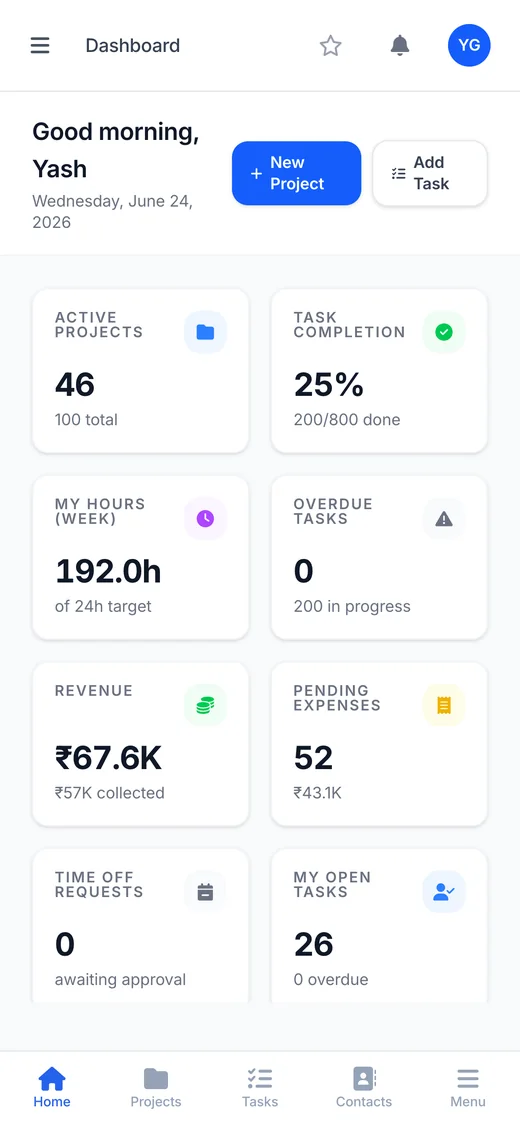 Getting Started
Use My Work to manage your tasks, search across projects and records, star Favorites, read notifications and set your landing page and timezone in Autovella.
Read the guide →Getting StartedWhat every Autovella dashboard card, chart and panel shows, which roles see them, and how administrators turn widgets on or off for each role.
Read the guide →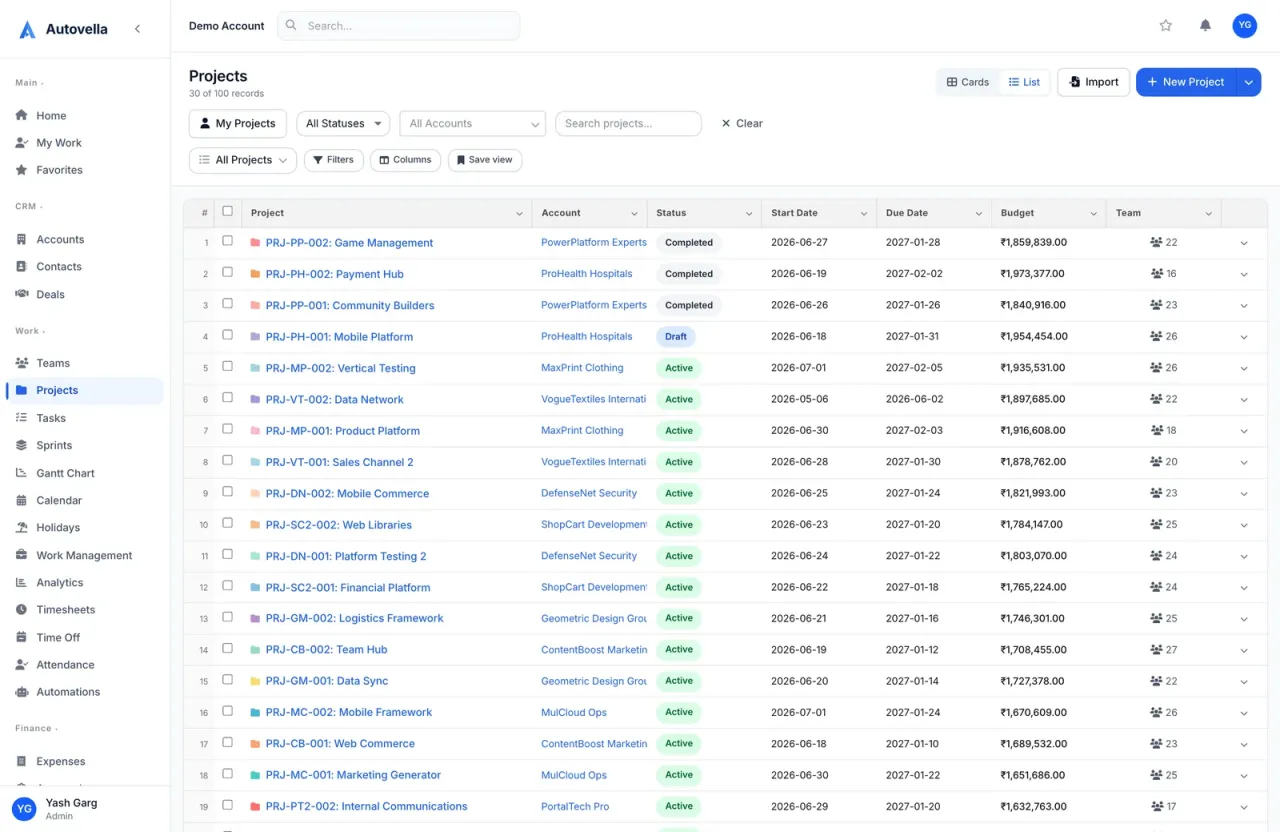 Getting Started
Filter any Autovella list, choose and reorder columns, save personal or shared views, set a default view and update or delete many records at once.
Read the guide →Getting StartedComment on tasks, projects, deals and more, @mention teammates, attach images, and use the bell notifications and desktop alerts to stay on top of your work.
Read the guide →Getting StartedUse Autovella on your phone or tablet browser: the mobile menu, bottom navigation bar, Filters button, scrolling tables and tips for everyday tasks on the go.
Read the guide →Getting StartedUpdate your Autovella profile and photo, set timezone and landing page, change or reset your password, and understand lockouts, auto-logout and login access.
Read the guide →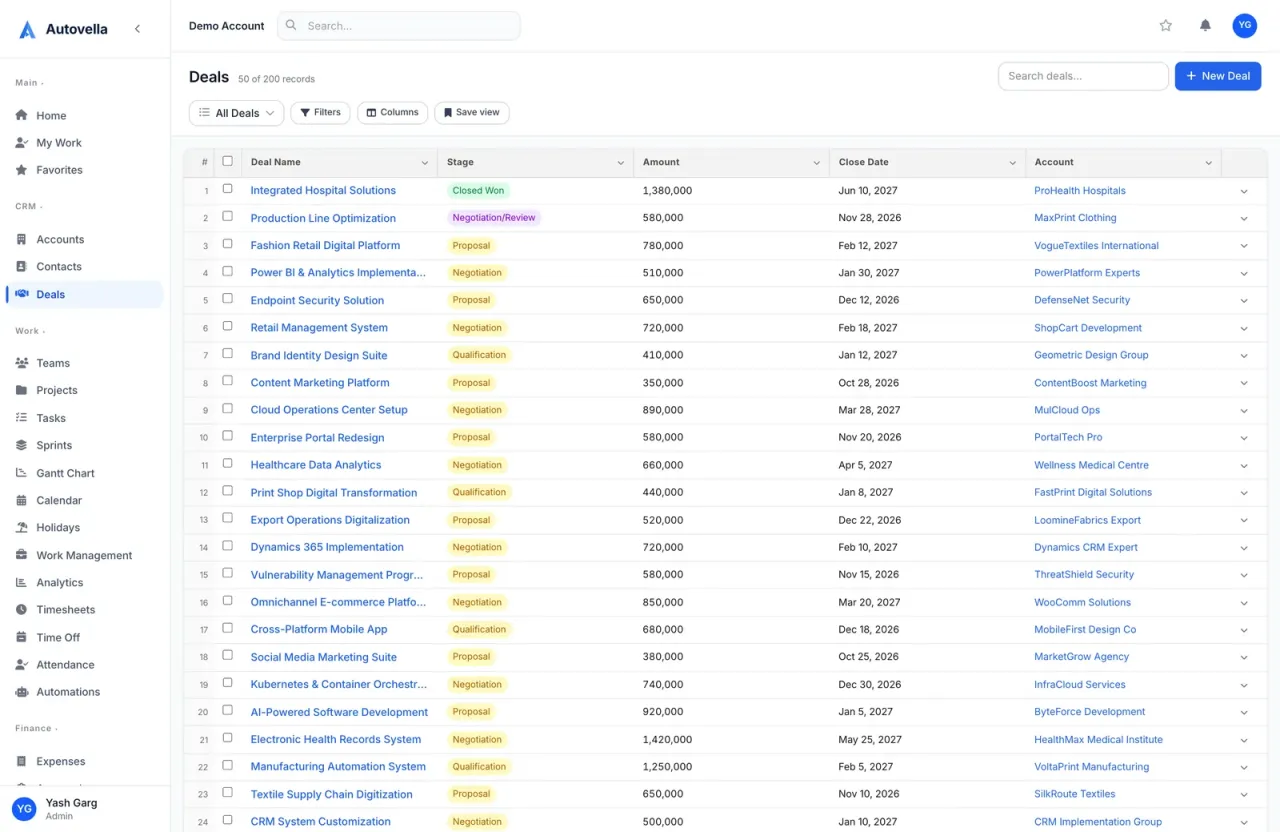 CRM & Sales
Learn how to add accounts and contacts, run your deals pipeline, add line items, create quotes, log activities and convert a won deal into a project.
Read the guide →Admin & SecurityHow to give clients visibility of their projects in Autovella: create a Customer user, link them to an account, see what they can view, and share links safely.
Read the guide →Projects & TasksHow to create a project in Autovella: blank or copied from an existing one. Add team members and access levels, use status, health, global projects and RAID.
Read the guide →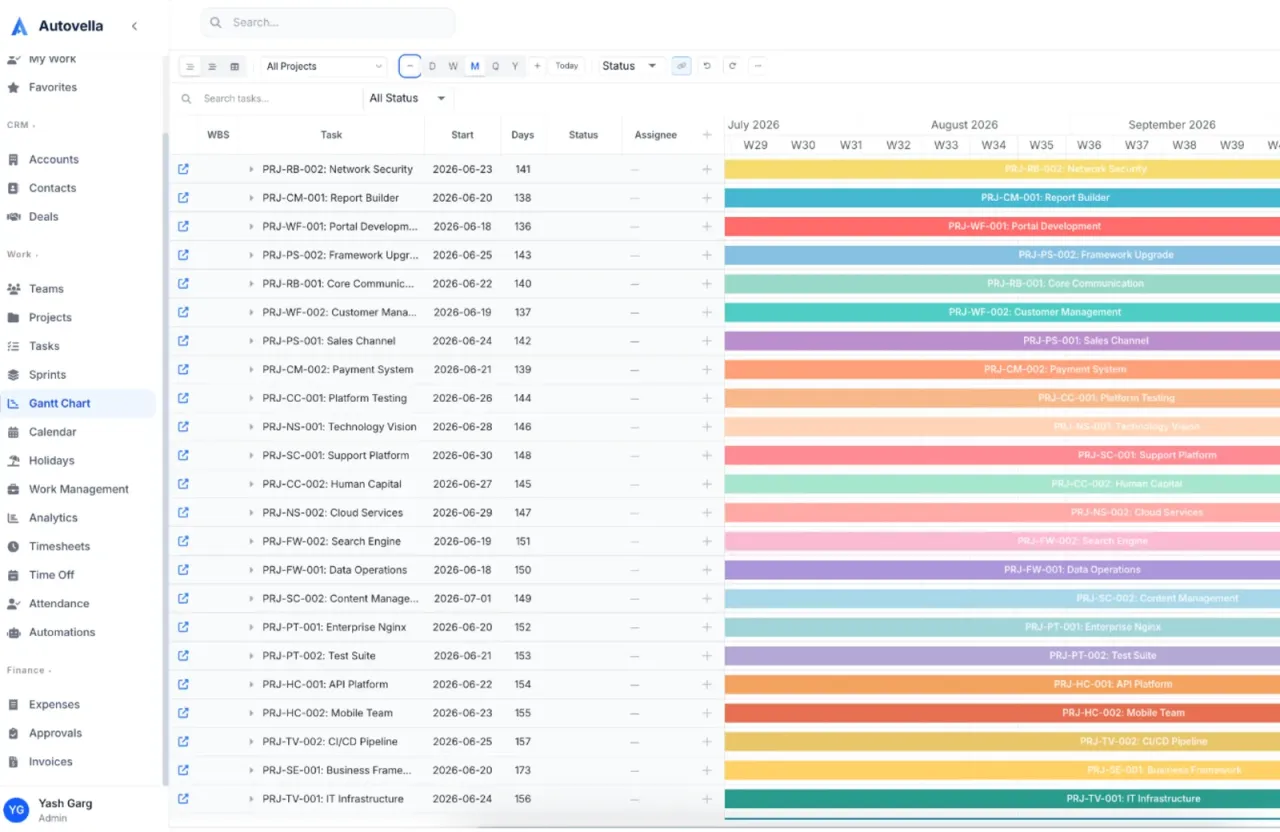 Projects & Tasks
Create tasks, assign them, use List and Board views, subtasks, dependencies, comments and saved views, and plan on the Calendar and Gantt chart in Autovella.
Read the guide →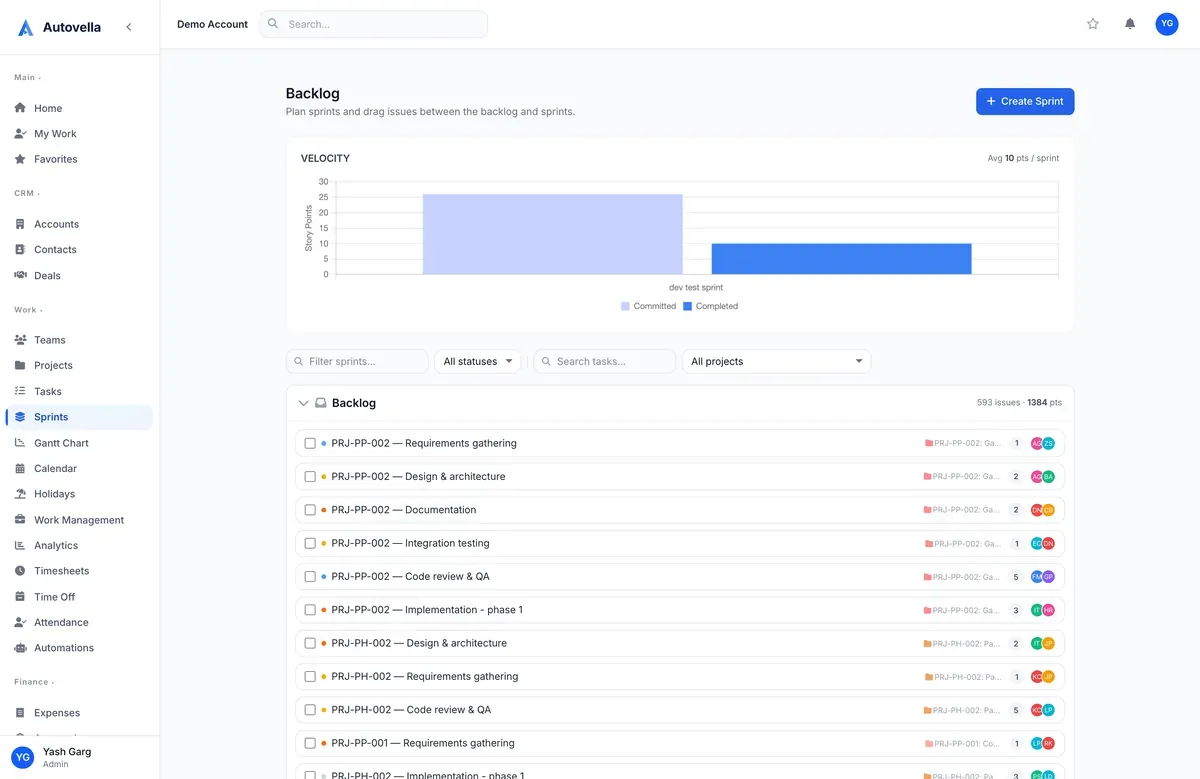 Projects & Tasks
Plan sprints in Autovella: build a backlog, add tasks and story points, start and complete a sprint, and read burndown and velocity reports step by step.
Read the guide →Projects & TasksUse Autovella's Work Management planner to see team workload, capacity and utilization, schedule hours per task, and spot overloaded people early.
Read the guide →Projects & TasksUse the RAID Log in Autovella to record risks, assumptions, issues and dependencies on a project or deal, set impact, owner and due date, and track status.
Read the guide →Admin & SecurityCreate teams, add members with team roles, pick a team lead and manager, view team reports, and build reporting lines on the Org Chart by setting managers.
Read the guide →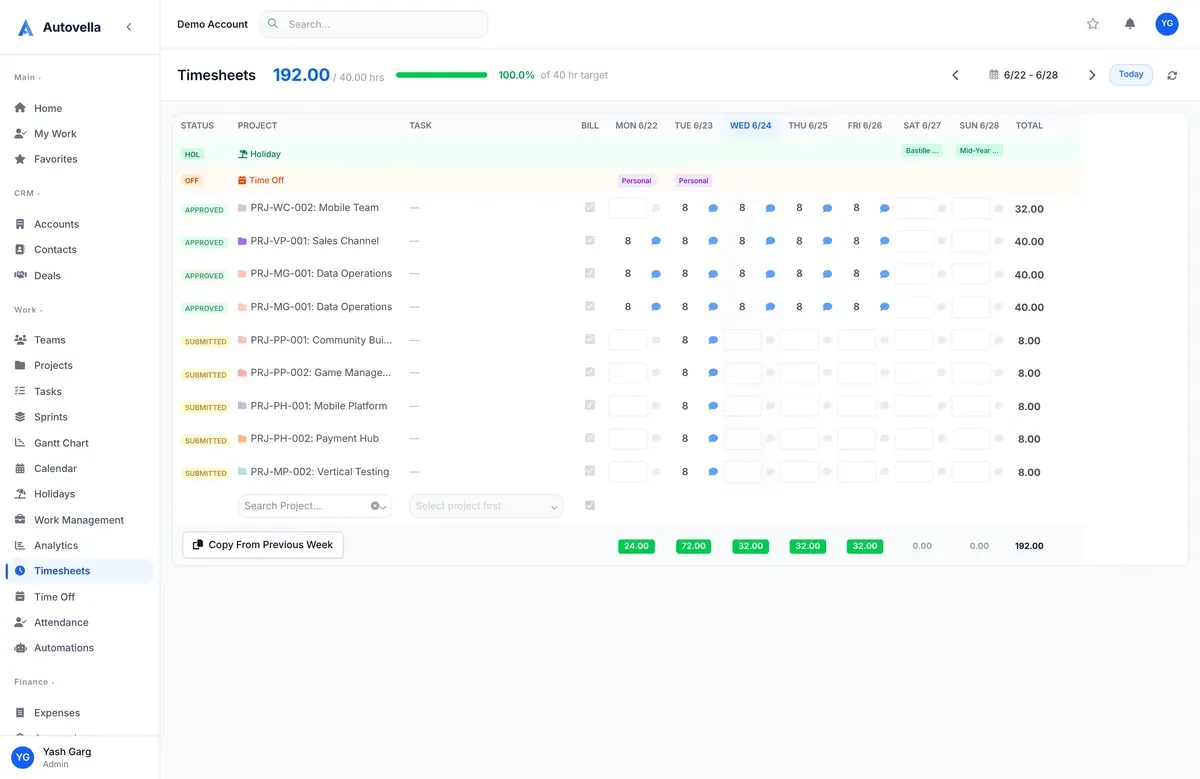 Time & Attendance
Log hours on the weekly timesheet grid, mark time billable, submit for approval, handle rejections and see how approved time feeds your invoices.
Read the guide →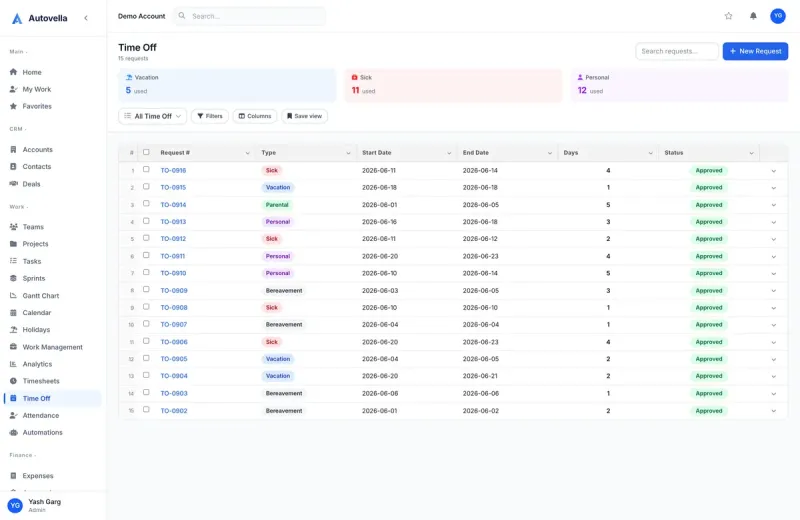 Time & Attendance
Request and approve time off, set up holidays by location, and track daily check-ins with office IP detection or a biometric device in Autovella.
Read the guide →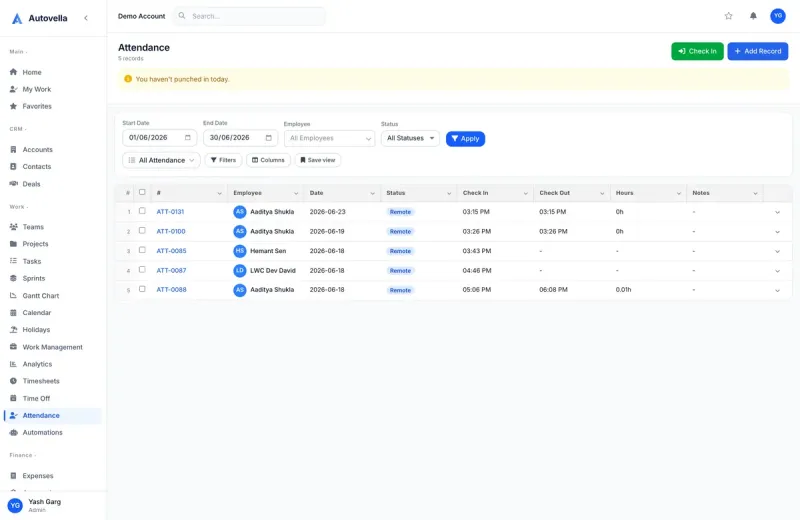 Time & Attendance
Admin guide to attendance in Autovella: add office IPs so check-ins are marked Present or Remote, and connect biometric devices with an Attendance Only API key.
Read the guide →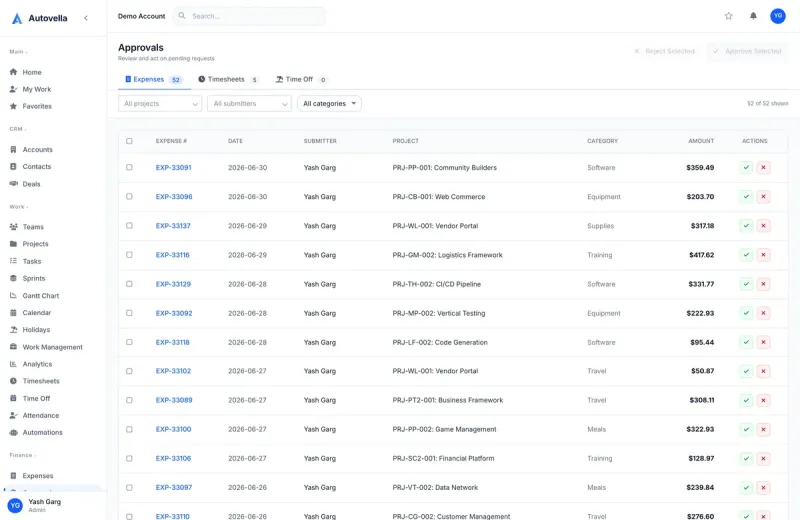 Finance & Billing
Approve or reject timesheets, expenses and time off in Autovella. Learn who can approve what, bulk actions, rejection reasons and approve-all permissions.
Read the guide →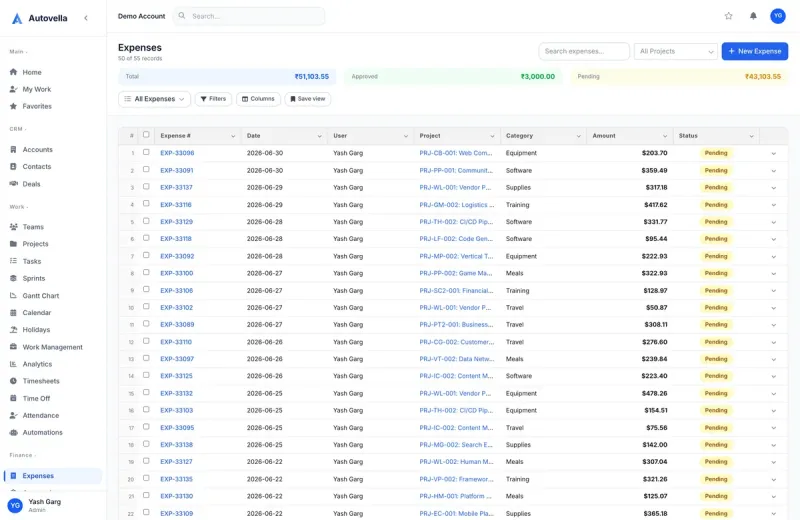 Finance & Billing
Log project expenses with receipts, mark them billable, route them for approval, and see how approved costs reach your invoices in Autovella.
Read the guide →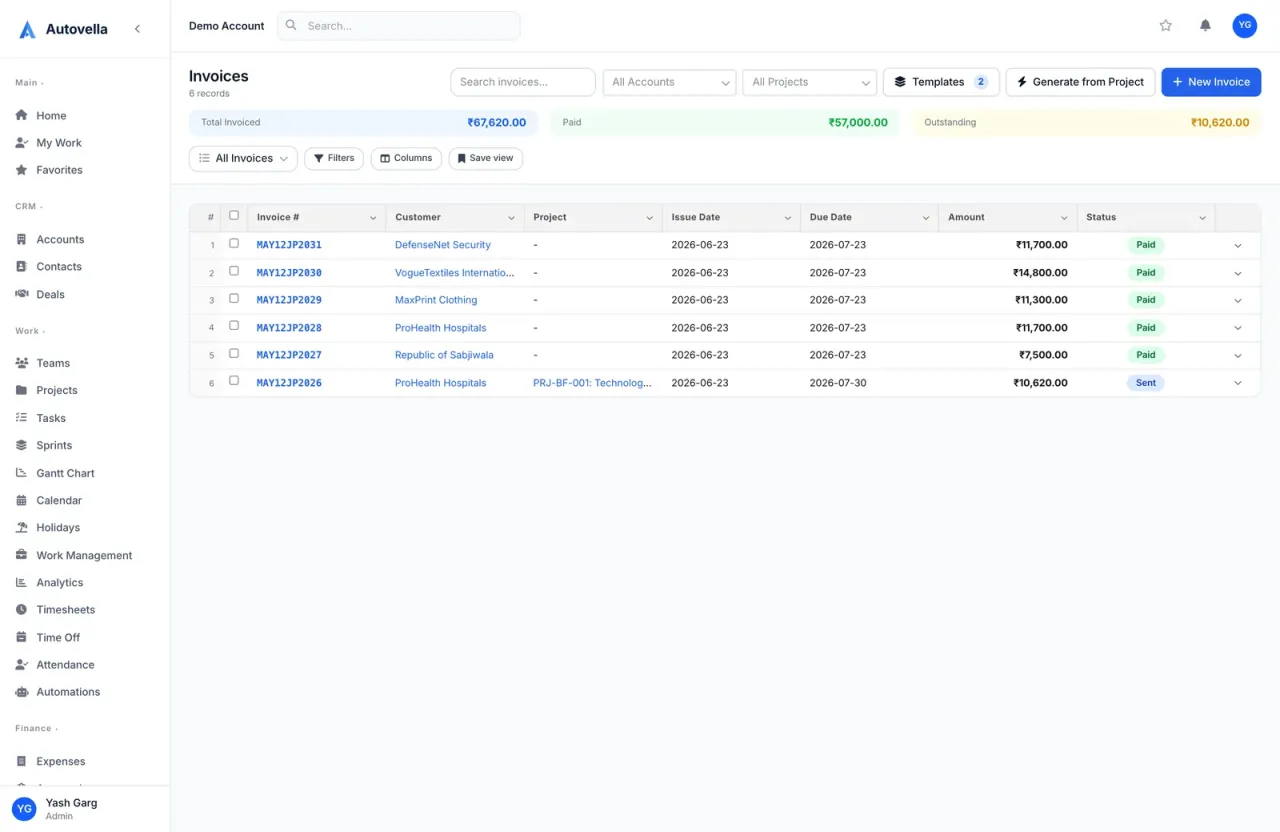 Finance & Billing
Create invoices from scratch or from approved time and expenses, record full or partial payments, print to PDF and email customers automatically.
Read the guide →Finance & BillingDesign branded invoice and quote PDFs with the drag-and-drop block builder or HTML editor, use placeholders, and set default templates in Autovella.
Read the guide →Finance & BillingA finance walkthrough for billing a project: approve timesheets and expenses, generate the invoice, send it, record payments and reconcile what is outstanding.
Read the guide →Getting StartedFollow one client from deal to cash in Autovella: win the deal, convert to a project, plan tasks, track time and expenses, approve, invoice and record payment.
Read the guide →Finance & BillingEnable currencies and live exchange rates, set tax titles and rates by customer country, and configure India GST with HSN/SAC rate codes in Autovella.
Read the guide →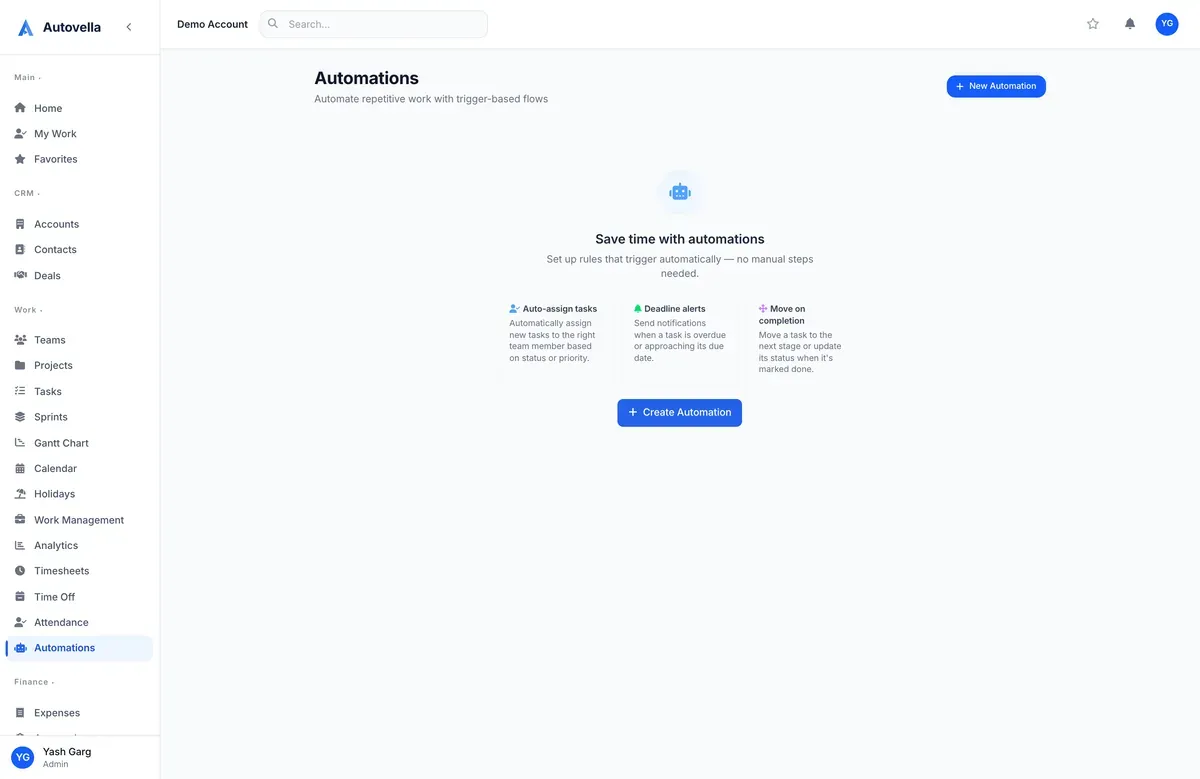 Automation
Build Autovella automation rules with a trigger, optional conditions and actions. Learn the real triggers, actions, run history and how to turn rules on or off.
Read the guide →Admin & SecurityControl who sees and edits what in Autovella: built-in roles, custom roles, org-wide defaults, permission sets, teams, record sharing and field-level security.
Read the guide →Admin & SecurityUnderstand Autovella access control: modules, roles, record visibility, sharing and field-level security, plus a checklist for when you can't see something.
Read the guide →Projects & TasksShare a project or record with users and teams, set viewer or editor access, create expiring guest links, mark a project global, and revoke access any time.
Read the guide →Admin & SecurityTailor Autovella to your business with custom fields, record types and page layouts in Settings, Customization. Step-by-step setup, limits and tips.
Read the guide →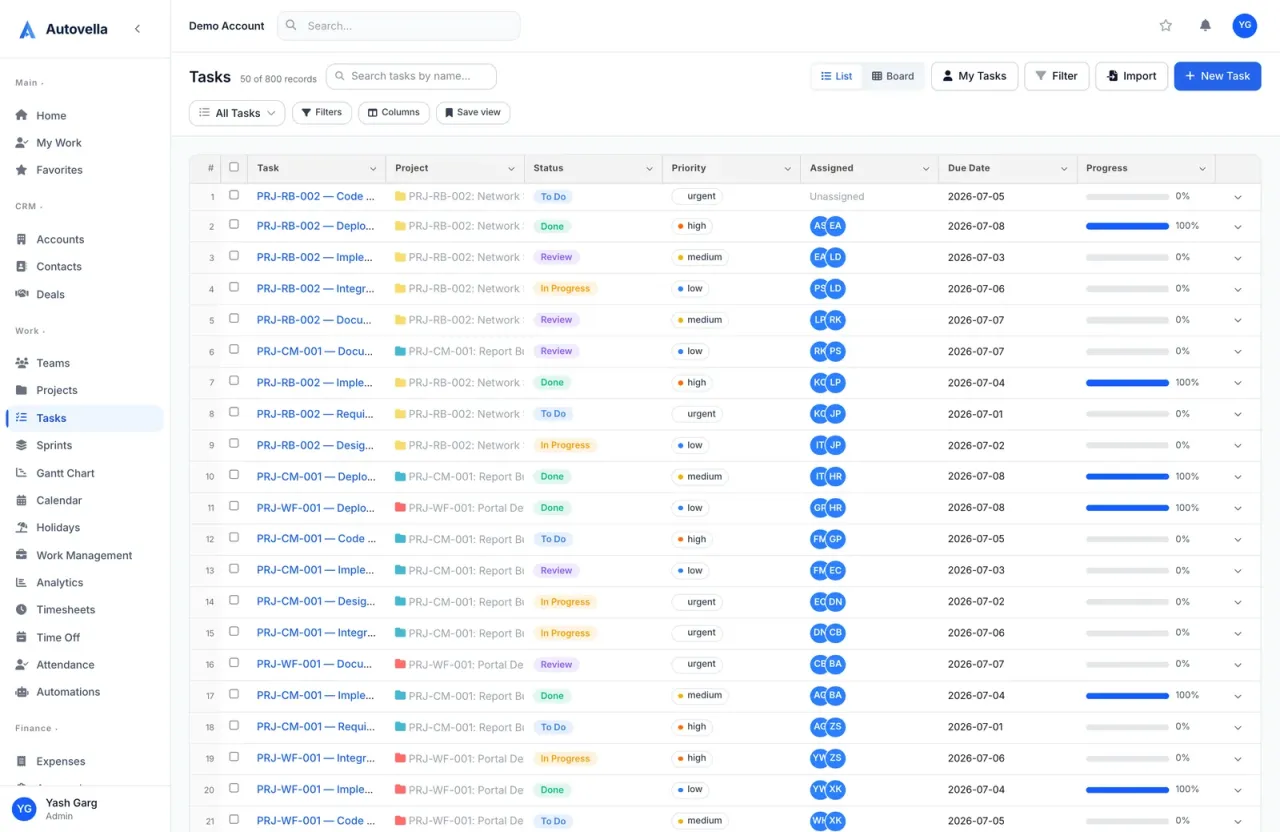 Admin & Security
Rename and reorder task and project statuses, set defaults and completed states, and tailor expense categories and time off types in Autovella Settings.
Read the guide →Admin & SecurityRestore deleted tasks, projects, deals and invoices from the Autovella Recycle Bin within 30 days, and use the Audit Log to see who changed what and when.
Read the guide →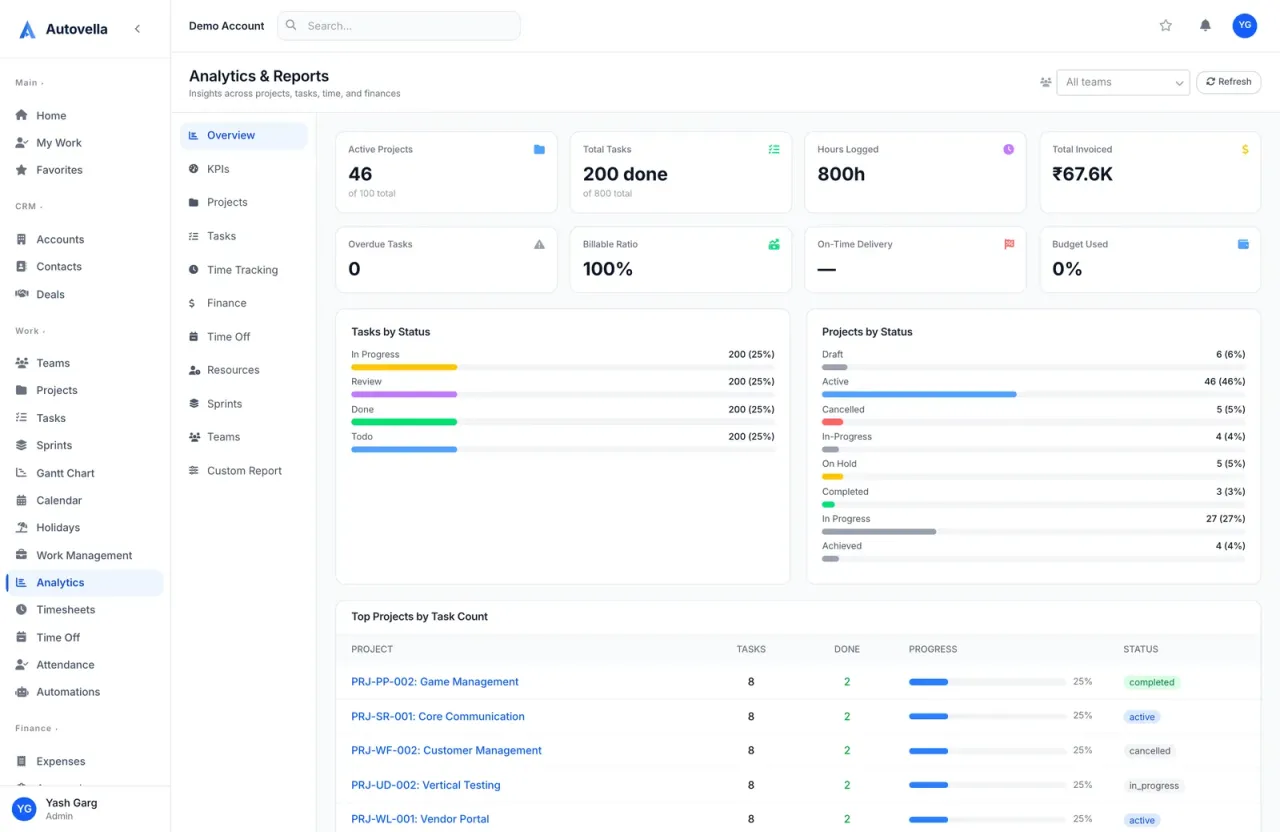 Analytics
Use Autovella's Analytics & Reports page: KPIs, finance and profitability, resource views, the Custom Report builder with CSV export, and role-based dashboards.
Read the guide →AnalyticsEmail Autovella reports on a schedule or get threshold alerts only when conditions match. Set up recipients, timing, format, test sends and read run history.
Read the guide →AI & IntegrationsConnect Claude Code, claude.ai or ChatGPT to Autovella using an MCP access token or OAuth. Choose read-only or read and write access, and revoke any time.
Read the guide →AI & IntegrationsHow to connect Claude, ChatGPT and other AI assistants to Autovella with its MCP server URL and a personal access token, and how to keep access safe.
Read the guide →Admin & SecuritySet up the Autovella Slack integration to post project updates to a channel, and connect Gmail or Outlook so system emails send from your own mailbox.
Read the guide →DevelopersIntegrate with the Autovella REST API: API keys vs personal access tokens, headers, base URL, scopes, pagination, rate limits and the external endpoints.
Read the guide →Industry GuidesHow marketing and creative agencies set up Autovella for pipeline, campaign delivery, time tracking and client invoicing, with exact menus and roles.
Read the guide →Industry GuidesSet up Autovella for creative and digital agencies: client accounts, projects, time, expenses and invoices, plus an honest look at retainer billing support.
Read the guide →Industry GuidesSet up Autovella for IT and management consulting: engagements, rates, utilization, RAID logs, margin and EVM reporting, and billing from approved time.
Read the guide →Industry GuidesSet up Autovella for scrum or kanban: backlog, story points, sprints, burndown and velocity, record types for bugs and stories, and roles for engineers.
Read the guide →Industry GuidesSet up Autovella for IT services and managed service providers: client accounts, projects, time capture, automations, invoicing and per-client profitability.
Read the guide →Industry GuidesHow law firms and legal ops teams can set up Autovella for matters, billable time, approvals and invoicing, plus a plain list of what it does not cover.
Read the guide →Industry GuidesSet up Autovella for consulting, accounting and field services firms: CRM, projects, timesheets, approvals, invoicing, utilization and honest limits.
Read the guide →Industry GuidesRead the approved Caravane Earth story, learn how to build the same Microsoft Teams and Autovella member sync with Zapier, and find where our profiles live.
Read the guide →Industry GuidesWorked example of tracking a monthly agency retainer in Autovella: included hours, logged hours, overage billing and the effective hourly rate, with example numbers.
Read the guide →Industry GuidesWorked example of a fixed-fee consulting project in Autovella: budget, logged hours, cost and bill rates, margin and effective rate, with example numbers.
Read the guide →Industry GuidesWorked example of an IT support contract in Autovella: included support hours, overage billing, a pass-through licence expense and the final invoice total.
Read the guide →Industry GuidesWorked example of sprint capacity and velocity in Autovella: working days, holidays, leave, average velocity and a realistic sprint commitment.
Read the guide →Admin & SecurityFix the most common Autovella problems: sign-in and lockouts, missing menu items, user and storage limits, timesheets, invoices and import errors.
Read the guide →Getting StartedPlain-English definitions of Autovella terms, from Account and Deal to RAID, Sprint, Record Type, Org-Wide Default, FLS and PAT, with links to each guide.
Read the guide →Can't find what you're looking for?
Our support team is a message away, or book a live walkthrough of any module.