Use Case: Software Team Sprint Capacity and Velocity
A worked example of how a five-person development team plans a two-week sprint using capacity and the average of its recent velocity.
The setup: five developers, a two-week sprint of 10 weekdays, two public holidays and one approved day of leave. The team plans the sprint from its capacity and its recent velocity, not from a guess.
In this guide
Step 1: work out capacityStep 2: use the average velocityStep 3: check the commitmentFrequently asked questions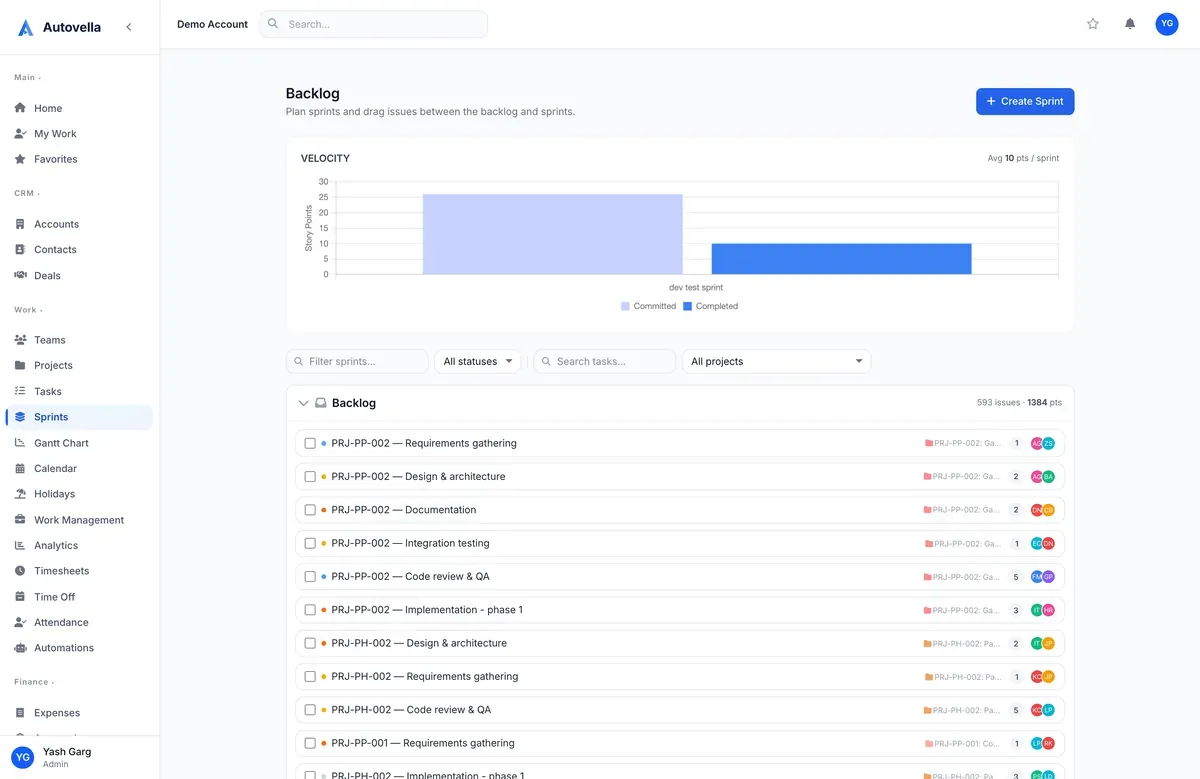
Step 1: work out capacity
Worked example, not a customer result. All numbers below are made up to show the arithmetic. Replace them with your own rates, hours and fees.
- Available hours: 5 people times 10 weekdays times 8 hours = 400 hours.
- Holidays: 2 days times 5 people times 8 hours = 80 hours.
- Approved leave: 1 day times 8 hours = 8 hours.
- Net capacity: 400 minus 80 minus 8 = 312 hours.
The Resource Planner in Autovella uses 8 hours per weekday and reduces it for holidays and approved time off. Use its figures as a guide, because it does not read individual working-hour patterns. See Resource planner and workload.
Step 2: use the average velocity
Velocity is the story points completed in a sprint. Suppose the last four sprints completed 38, 35, 41 and 35 points.
- Total: 38 plus 35 plus 41 plus 35 = 149.
- Average: 149 divided by 4 = 37.25 points.
A commitment of about 36 points is a reasonable plan, because the average already reflects normal interruptions. Sprint velocity is shown in the sprint reports. See Sprints and agile planning.
Step 3: check the commitment
- Set sprint dates in Sprints. Sprint dates cannot overlap another sprint.
- Move unfinished tasks to the backlog or the next sprint when you complete the sprint, rather than carrying them forward silently.
- Keep the 312-hour net capacity in mind when you add unplanned work.
Frequently asked questions
No. Capacity in the Resource Planner is in hours, based on working days, holidays and approved time off. Story points are tracked as velocity on sprints.
It is the story points completed in each sprint. Average several recent sprints rather than using one, to smooth out unusual weeks.
When you complete a sprint, Autovella asks you to move unfinished tasks to the backlog or another sprint, so you choose where they go.